Overview
I made a series of forensics challenges for the TEKUP Mini CTF. This writeup covers all 4 parts: THE SPY 0 through THE SPY 3.
THE SPY 0
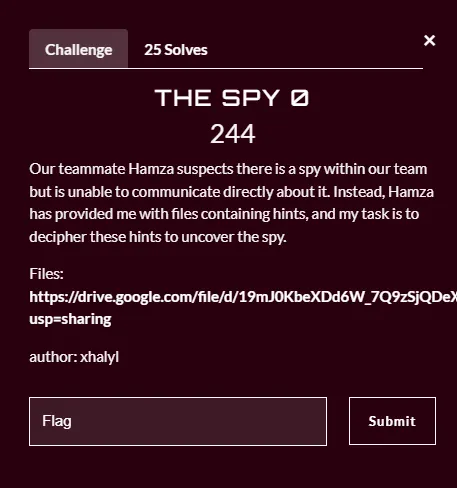
After downloading the attachments, we find two files: a .ppt file and a password-protected zip.
Opening the PowerPoint, a hidden base64 string is visible in the slide:
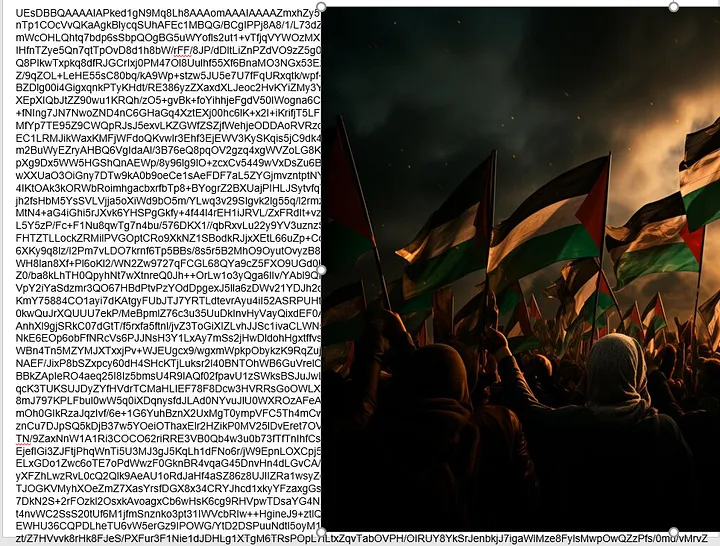
Throwing it into CyberChef and decoding reveals… a zip file! Inside it:
flag.png→ THE SPY 0 flag ✅spylogs.txt→ useful for the next parts
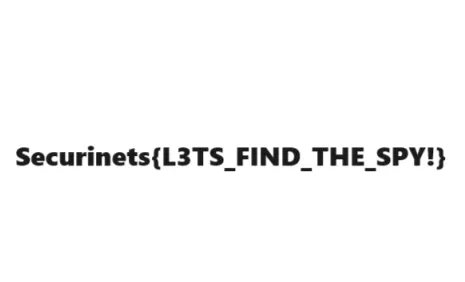
THE SPY 0 solved 😄 — now let’s find this spy!
THE SPY 1
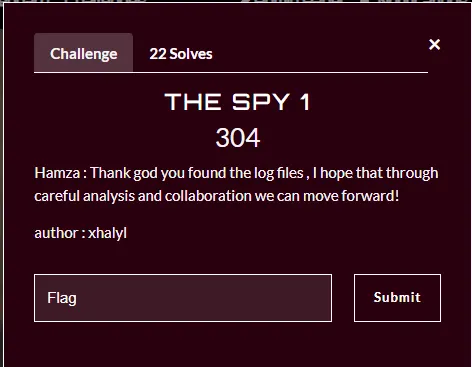
We now have spylogs.txt from the previous step. Taking a look at the log file:
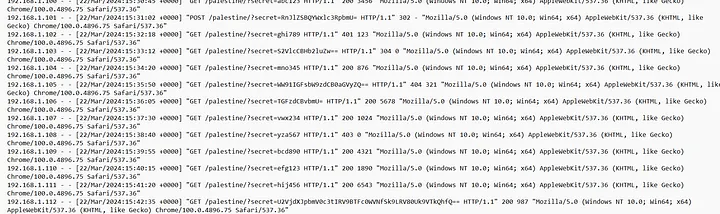
HTTP requests with a secret query parameter containing base64-encoded values. Decoding them one by one:
| Base64 | Decoded |
|---|---|
RnJlZSBQYWxlc3RpbmU= |
Free Palestine 🇵🇸 |
S2VlcCBHb2luZw== |
Keep Going 🙂 |
WW91IGFsbW9zdCB0aGVyZQ== |
You almost there |
U2VjdXJpbmV0c3tIRV9BTFc0WVNfSk9LRV80Uk9VTkQhfQ== |
Securinets{HE_ALW4YS_JOKE_4ROUND!} |
Flag: Securinets{HE_ALW4YS_JOKE_4ROUND!} ✅
He always jokes around — narrowing down the suspect list! 🙂
THE SPY 2
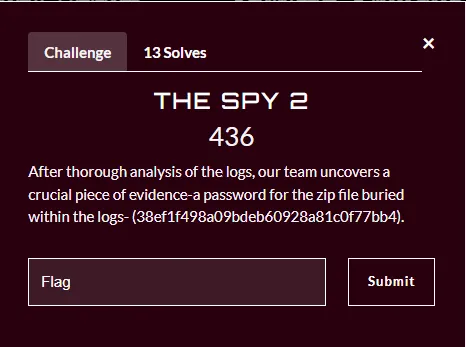
We now have the zip password from the previous flag. Extracting it reveals the_spy.img:

The .img file is a LUKS encrypted disk:
LUKS is the standard for Linux disk encryption. It stores all setup information in the partition header, allowing seamless data migration.
cryptsetupis the tool used to manage LUKS volumes.
Trying to open it with cryptsetup:
sudo cryptsetup luksOpen the_spy.img trah

It asks for a passphrase. Time to bruteforce it:
sudo cryptsetup-john the_spy.img
# or use hashcat / john with a wordlist
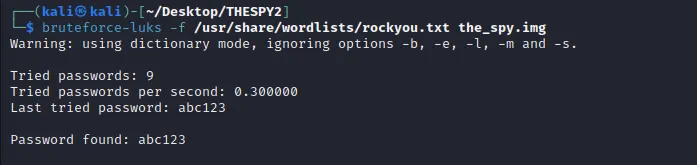
Password: abc123 — really!! 🤦
After unlocking, the device is mapped to /dev/mapper/trah. Mounting it:
sudo mount /dev/mapper/trah /mnt
ls /mnt

Inside we find a Dockerfile:
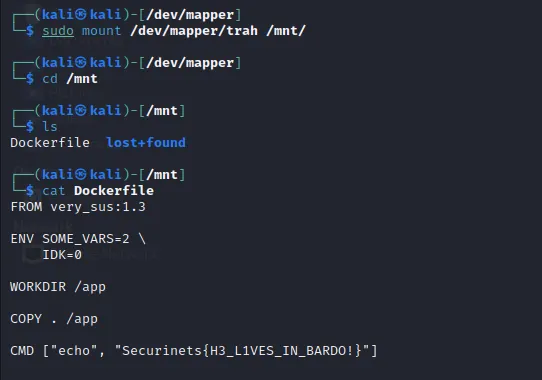
Next hint found: HE LIVES IN BARDO! — I think I know who it is, but let’s be sure 😉
THE SPY 3
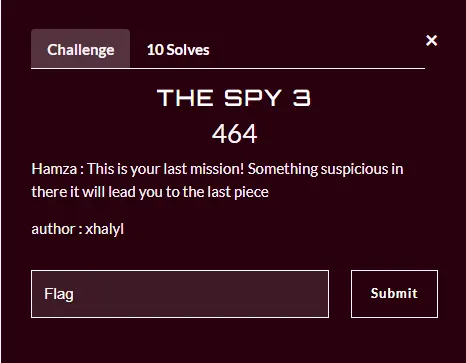
Looking at the Dockerfile more carefully, one line stands out:
FROM verysus:1.3
That looks sus 🤔. Pulling and running the image:
docker pull verysus:1.3
docker run verysus:1.3
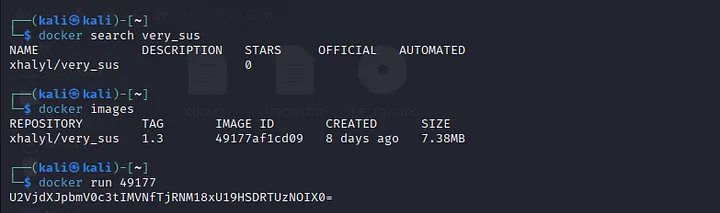
The output contains a base64 string. Decoding it:

The spy is found! 👾
Summary
| Challenge | Technique |
|---|---|
| THE SPY 0 | Hidden base64 in PowerPoint → zip → flag |
| THE SPY 1 | HTTP log analysis → base64 decode |
| THE SPY 2 | LUKS disk bruteforce → mount → Dockerfile |
| THE SPY 3 | Suspicious Docker image → base64 decode |
Lessons learned: Steganography doesn’t have to be complex — hidden text in plain sight is often overlooked. Always check open file descriptors, metadata, and image layers for hidden data.
Hope you enjoyed the challenges and learned something new! 🙏